WTF is Frontmatter?
Frontmatter is just metadata at the top of a Markdown file — and once you get it, everything starts making sense.
A simple, no-nonsense explanation of what frontmatter is and why every modern developer uses it.
WTF Is Frontmatter? (And Why Every Developer Keeps Using It)
If you’ve ever opened a Markdown file in a modern dev project and saw three dashes at the top with some random-looking key-value pairs… You probably thought:
“What the hell is frontmatter and why is it staring at me first thing in the file?”
Let’s fix that in 2 minutes.
So… WTF is Frontmatter?
Frontmatter is metadata you place at the top of a Markdown file.
Like a tiny JSON/YAML passport that tells your site generator:
- what this page is
- how to treat it
- what to show in listings
- how to style or categorize it
It always sits at the top, wrapped in ---.
Example:
---
title: "WTF is Frontmatter?"
date: "2025-12-07"
tags: ["dev", "web", "static-sites"]
image: "/imgs/frontmatter.png"
description: "A no-nonsense guide to frontmatter."
---
That’s it. It looks simple… because it is.
But it’s stupidly powerful.
Why Does It Even Exist?
Because Markdown alone is dumb. It only knows how to format text.
But modern sites need more:
- dates
- categories
- authors
- cover images
- SEO descriptions
- slugs
- publishing rules
- draft status
Instead of stuffing these into filenames or code, we keep them in one neat block at the top.
Frontmatter = content + config in one file.
Where Do You See Frontmatter?
Almost everywhere in modern content systems:
- Next.js / Nextra / Contentlayer
- Astro
- Hugo
- Jekyll
- Gatsby
- 11ty
- SvelteKit blogs
- Any static-site workflow
If you’ve built a docs site, portfolio, blog, or design system recently… You’ve touched frontmatter (even if you ignored it like a red flag text).
Okay But How Does It Work?
When your site builds, it:
- Reads the frontmatter block.
- Extracts those fields into a JS object.
- Passes them to your template.
- Renders your Markdown with those meta values.
Example result:
- Title shows up in the header
- Description becomes the SEO meta
- Tags generate category pages
draft: truestops it from publishingimage:becomes your preview thumbnail
All automated.
Why Designers, Writers & Engineers All Care
Because it’s the one place where everyone speaks the same language.
- A designer can set a cover image.
- A writer can mark a draft.
- A developer can wire custom fields (layout, slug).
One block. No dev ops. No database. No dashboard.
Just Markdown with a brain.
Frontmatter TL;DR
If you remember nothing:
Frontmatter is the metadata block at the top of a Markdown file that tells your site how to treat the page.
It’s simple. It’s universal. And once you get it, your entire content workflow becomes cleaner.
Related reading
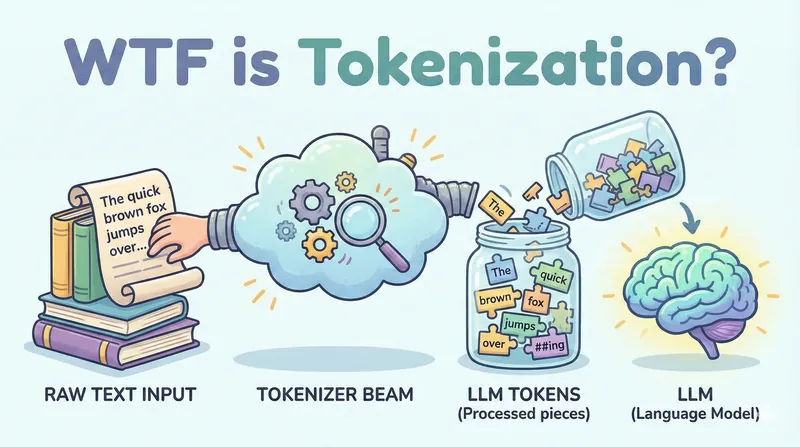 WTF is Tokenization?Dec 2025
Everything you need to know about how LLMs break text into tokens - and why it explains most of their weird behaviors.
AI Testing Jev on public and private data: classifier or filter?Sep 2026
Jev only answers yes/no or pick-one. 16,000 calls: against gpt-5.4-mini and gpt-5.6-luna on four public datasets, then on a few thousand real pipeline decisions. Where it wins, where it breaks, how to use it.
Engineering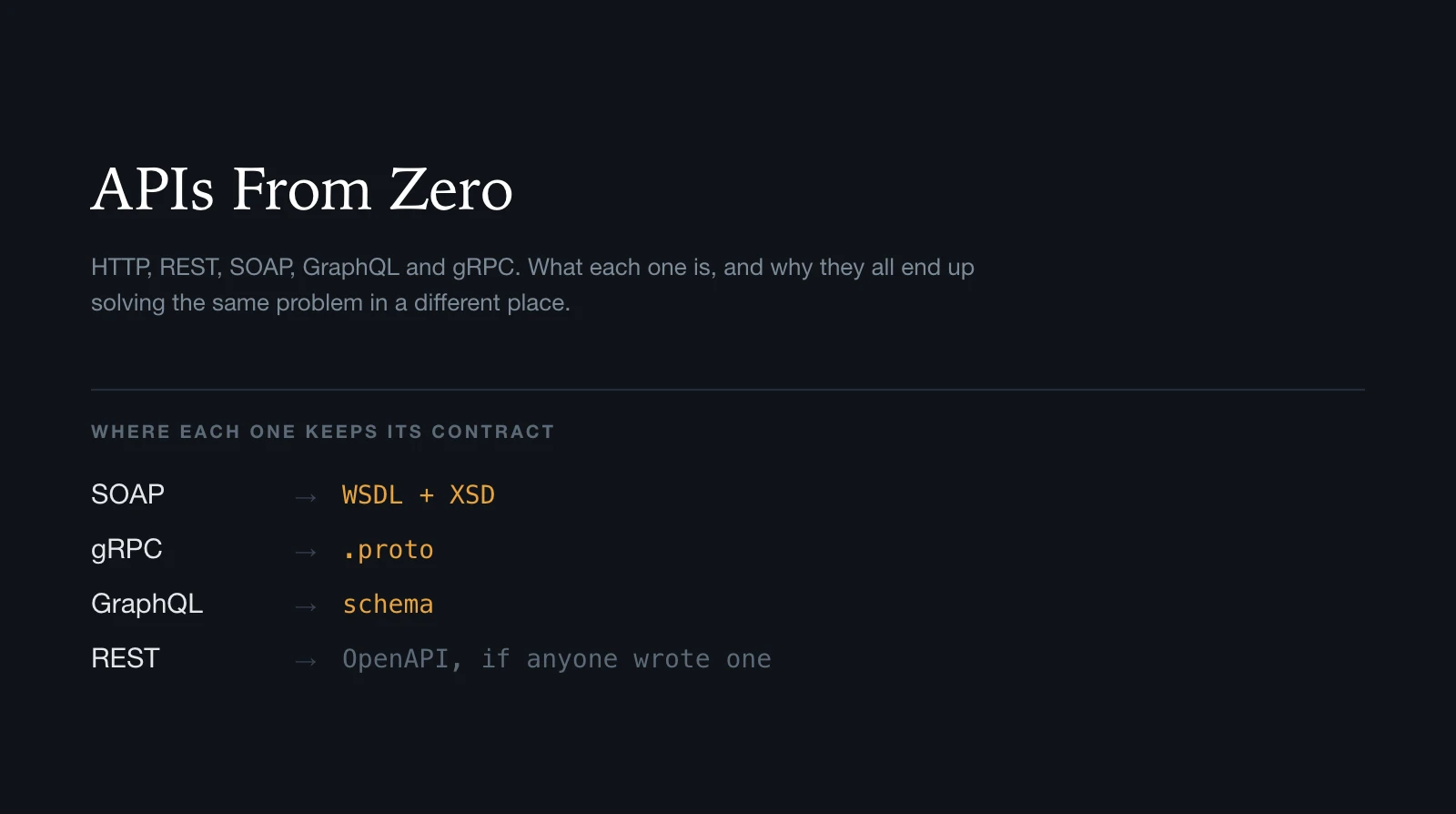 APIs From Zero: HTTP, REST, SOAP, GraphQL and gRPCAug 2026
A ground-up map of HTTP, REST, SOAP, WSDL, XSD, GraphQL, gRPC and WebSockets: what each one is, what it sends, and how it tells you what it can do.
Engineering