The Ultimate SQL Cheatsheet
Master SQL with this essential cheatsheet of commands, joins, and best practices
A comprehensive guide to essential SQL commands, joins, set operations, and best practices for efficient database querying and management.
The Ultimate SQL Cheatsheet: Essential Commands, Best Practices & Quick Reference
SQL (Structured Query Language) is the backbone of modern data management. Whether you're just starting out or a seasoned developer, a handy SQL cheatsheet can save you time and prevent common mistakes. This guide offers a quick reference to the most important SQL concepts, commands, and best practices.
Why Use an SQL Cheatsheet?
- Quick Reference: Instantly recall syntax for common operations.
- Boost Productivity: Write queries faster and with fewer errors.
- Best Practices: Avoid mistakes and follow industry standards.
- SEO Benefit: Improve your database-related content’s visibility.
🧱 SQL Language Categories DDL (Data Definition Language): Define or alter the structure of database objects like tables. → CREATE, ALTER, DROP
DML (Data Manipulation Language): Add or modify data within tables. → INSERT, UPDATE, DELETE
DQL (Data Query Language): Retrieve data from the database. → SELECT
DCL (Data Control Language): Control access to data and permissions. → GRANT, REVOKE
TCL (Transaction Control Language): Manage transactions and rollbacks. → COMMIT, ROLLBACK, SAVEPOINT
Common Database Objects
- TABLE: Stores structured data.
- VIEW: A saved query as a virtual table.
- INDEX: Speeds up data retrieval.
- TRIGGER: Executes on specific DB events.
Essential SQL Commands
DDL (Data Definition Language)
CREATE TABLE Students (
rollno INT PRIMARY KEY,
name VARCHAR(30),
age INT,
email VARCHAR(100)
);
ALTER TABLE Students ADD email VARCHAR(100);
ALTER TABLE Students MODIFY email VARCHAR(200);
ALTER TABLE Students DROP COLUMN email;
DROP TABLE Students;
DML (Data Manipulation Language)
INSERT INTO Students (rollno, name, age) VALUES (234, 'Donal', 21);
UPDATE Students SET age = 22 WHERE rollno = 234;
DELETE FROM Students WHERE rollno = 234;
DQL (Data Query Language)
SELECT * FROM Students;
SELECT * FROM Students WHERE rollno = 234;
SELECT name, grade FROM Students ORDER BY gender;
SELECT * FROM Students INNER JOIN Section ON Students.section_id = Section.id;
SQL Joins Explained
- INNER JOIN: Matching rows in both tables.
- LEFT JOIN: All rows from the left, matched from the right.
- RIGHT JOIN: All rows from the right, matched from the left.
- FULL OUTER JOIN: All matching rows from both sides.
Set Operations
- UNION: Combine and remove duplicates.
- UNION ALL: Combine and keep duplicates.
- INTERSECT: Only common rows.
- EXCEPT/MINUS: Rows in first query not in the second.
Constraints & Data Integrity
- PRIMARY KEY: Uniquely identifies records.
- FOREIGN KEY: Connects two tables.
- UNIQUE: All values must differ.
- CHECK: Restricts input values.
- DEFAULT: Auto-fills when empty.
- NOT NULL: Value must be present.
Aggregation Functions
AVG()– Average valueMIN()– Minimum valueMAX()– Maximum valueSUM()– Total valueCOUNT()– Row count
SQL Best Practices
- Consistent naming conventions (snake_case / camelCase).
- Readable formatting: Use line breaks and indents.
- *Avoid SELECT : Fetch only what you need.
- Use parameterized queries to avoid SQL injection.
- Normalize your schema: Reduce redundancy.
- Index smartly: Prioritize columns used in filtering and joining.
- Comment and document: Future-proof your work.
- Always test on staging/sample data first.
Conclusion
A reliable SQL cheatsheet is an essential tool for every developer and analyst. Keep this guide handy to write clean, fast, and secure queries with confidence.
Related reading
 Postgres CheatsheetNov 2022
Common Postgres commands: psql basics, inspection, roles, backups and maintenance.
Engineering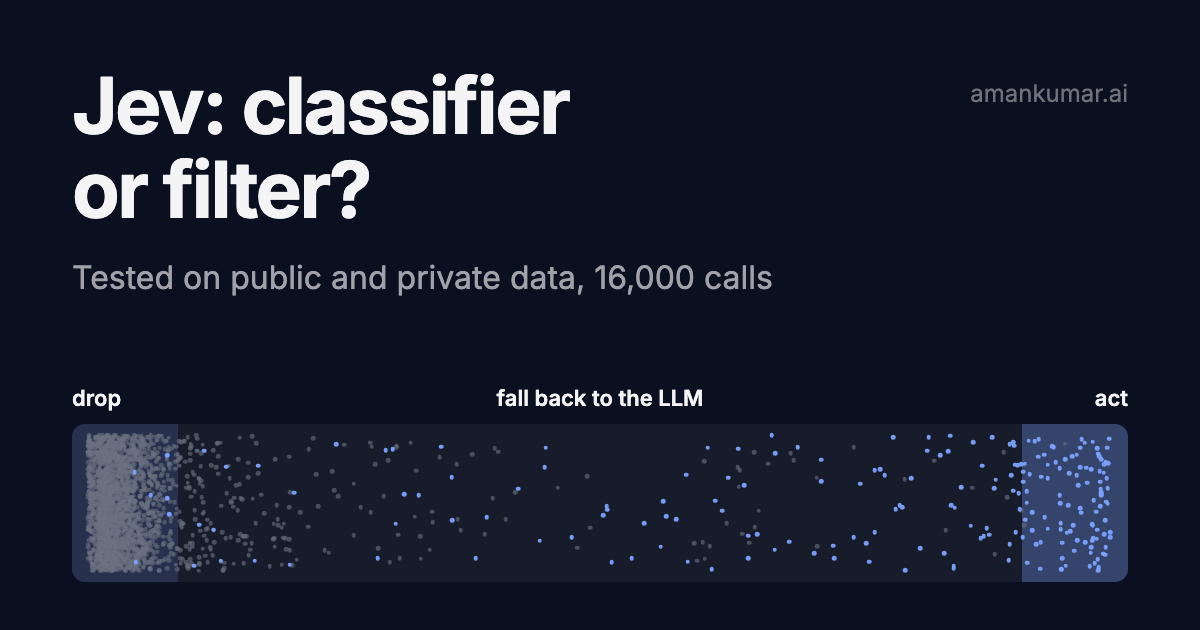 Testing Jev on public and private data: classifier or filter?Sep 2026
Jev only answers yes/no or pick-one. 16,000 calls: against gpt-5.4-mini and gpt-5.6-luna on four public datasets, then on a few thousand real pipeline decisions. Where it wins, where it breaks, how to use it.
Engineering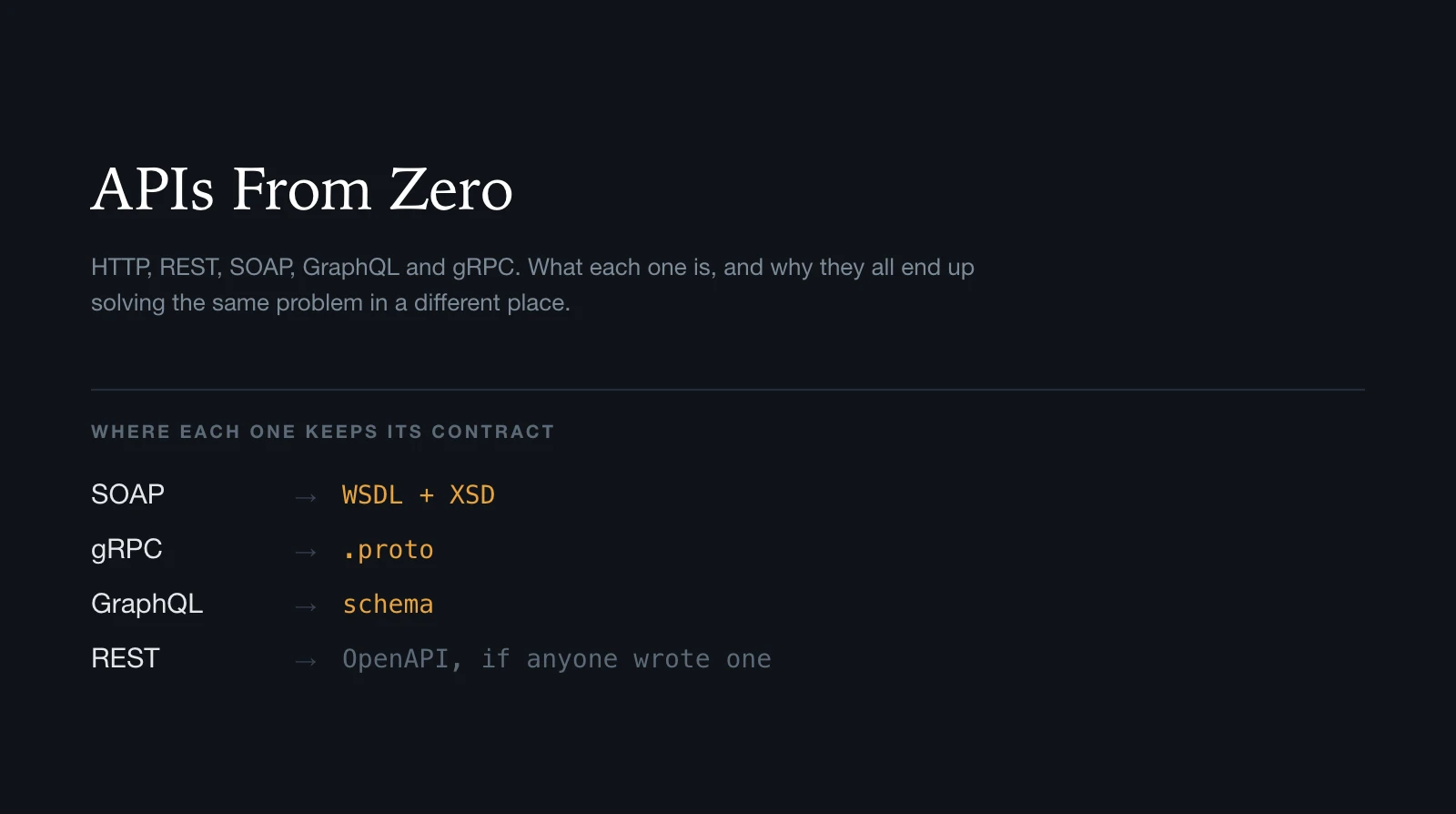 APIs From Zero: HTTP, REST, SOAP, GraphQL and gRPCAug 2026
A ground-up map of HTTP, REST, SOAP, WSDL, XSD, GraphQL, gRPC and WebSockets: what each one is, what it sends, and how it tells you what it can do.
Engineering