Setting Up Browser Instances for AI & Scraping
My go-to setup for spawning and managing browser instances at scale for scraping or AI agent use.
If you’re running scraping tasks or AI agents that need to browse the web, you don’t want to spawn a browser from scratch every time. You want an army—pre-spawned, ready, and manageable. Here’s the setup I keep coming back to.
1. A Beefy Server
RAM is the bottleneck. I usually go for a dedicated machine with as much memory as possible—at least 64GB. No GPU needed, just solid cores and space to breathe.
2. Residential Proxies
Datacenter IPs don’t cut it anymore. I use residential proxies behind a simple load balancer. Nothing fancy—just enough rotation to avoid blocks.
3. Pre-Spawned Puppeteer Pool
I spin up as many Puppeteer instances as the RAM can handle. These sit idle, headless, and waiting. Cold starts are expensive—better to keep the pool warm.
4. Remote Debugging + Liveness
Each browser exposes a WebSocket endpoint using remote debugging. I run a small script that keeps them subscribed to a central “heartbeat,” so I know which ones are alive and which ones died silently.
5. Use, Kill, Respawn
On request:
- Pick an available instance
- Lock it
- Run your task
- Kill it
- Spawn a new one
Memory leaks? Don’t debug. Just destroy and replace. Works better long-term.
This setup has held up across scraping workloads, agent testing, even some UI testing setups. Clean. Reusable. Disposable.
Related reading
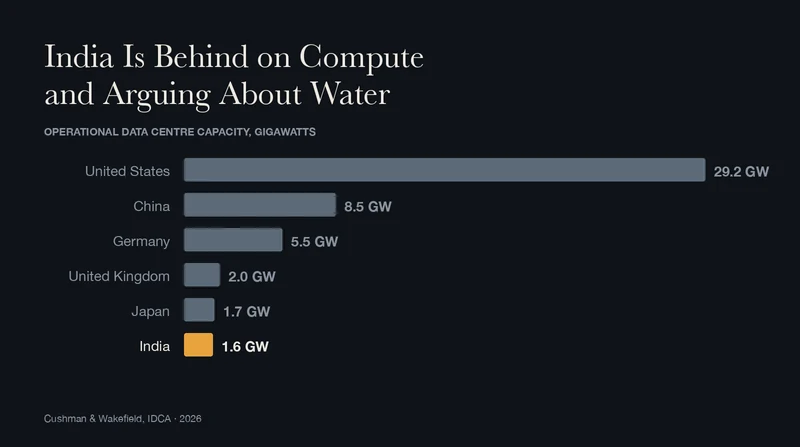 India Is Behind on Compute and Arguing About WaterAug 2026
The data centre panic in India is mostly imported, and the number at the centre of it is wrong.
Think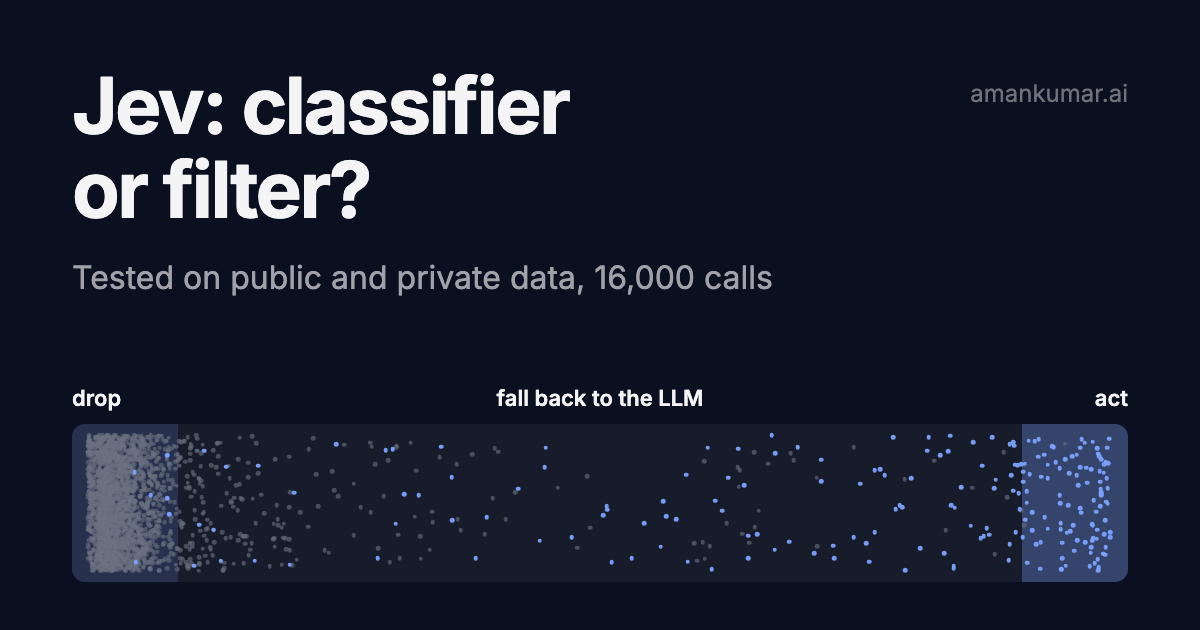 Testing Jev on public and private data: classifier or filter?Sep 2026
Jev only answers yes/no or pick-one. 16,000 calls: against gpt-5.4-mini and gpt-5.6-luna on four public datasets, then on a few thousand real pipeline decisions. Where it wins, where it breaks, how to use it.
Engineering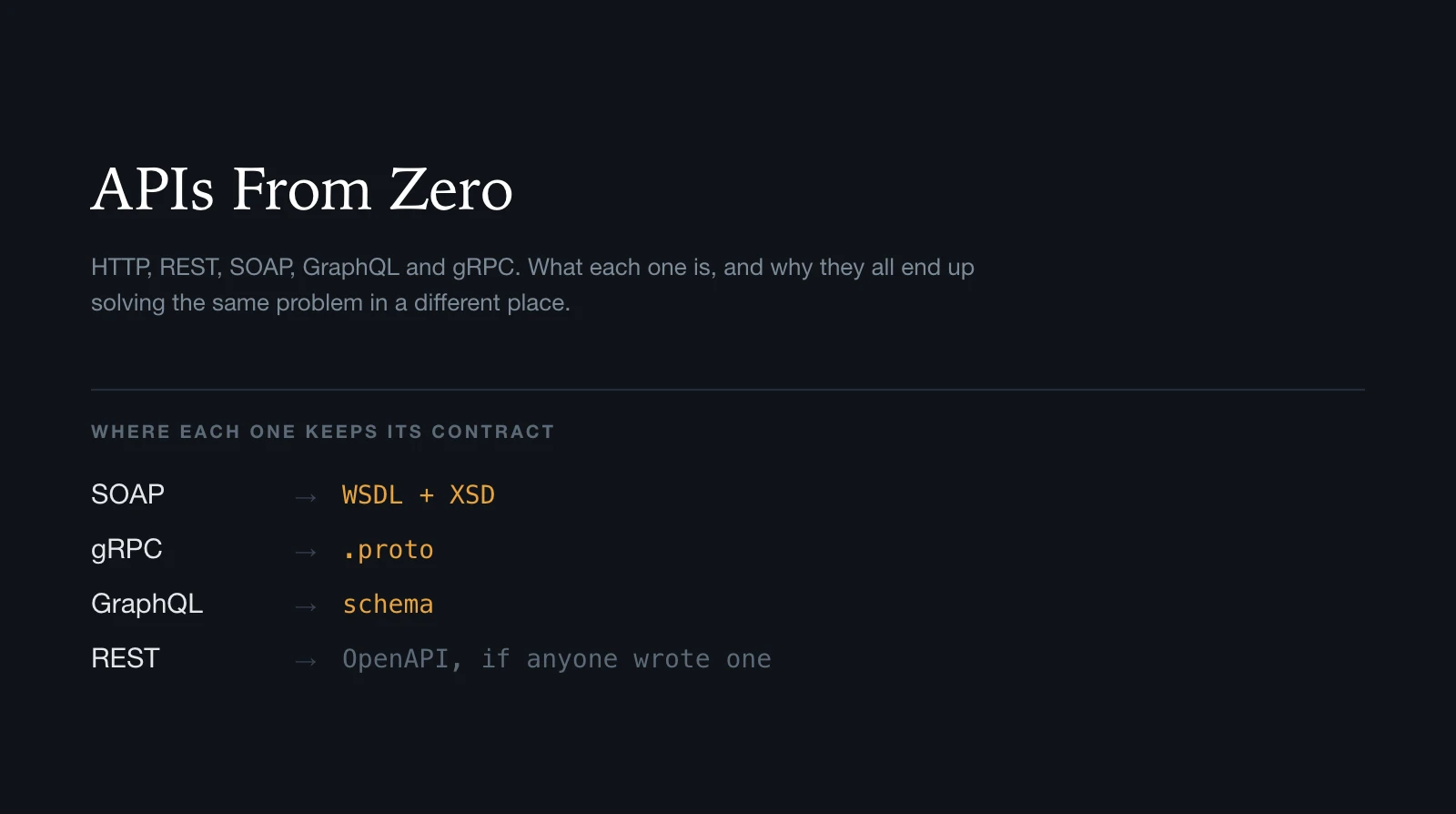 APIs From Zero: HTTP, REST, SOAP, GraphQL and gRPCAug 2026
A ground-up map of HTTP, REST, SOAP, WSDL, XSD, GraphQL, gRPC and WebSockets: what each one is, what it sends, and how it tells you what it can do.
Engineering